
Support your teams in the field and achieve maximum operational efficiency thanks to the remote view and control feature.
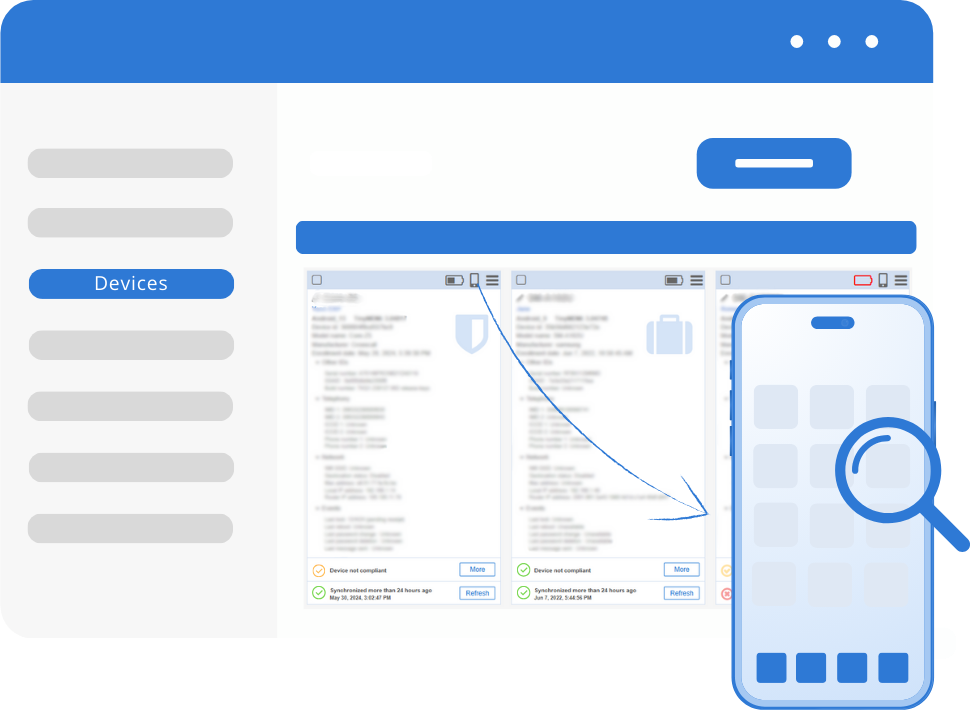
Remote Cast for all Android Devices
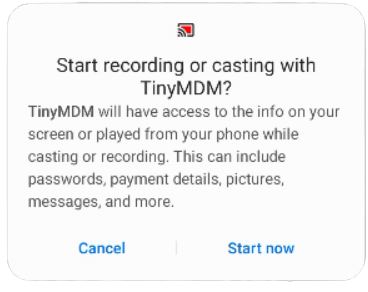
With TinyMDM, remotely view and control feature the device from your management console, so you have a full understanding of the situation, even from a distance. This feature is compatible with all devices, regardless of their brand or model. It is also included free of charge in our solution.
Remote Control of Devices from our Manufacturer Partners (1)
Go even further! Thanks to free plugins, you can view and take control of your devices remotely, as if you were holding them in your hands. This feature is compatible with devices from Samsung, Crosscall, Zebra, Lenovo, Blackview, M3 Mobile, Unitech, Wiko, Datalogic, Ulefone, Honeywell, Urovo, Doogee, Athesi. Find the complete list of compatible devices and associated plugins here.
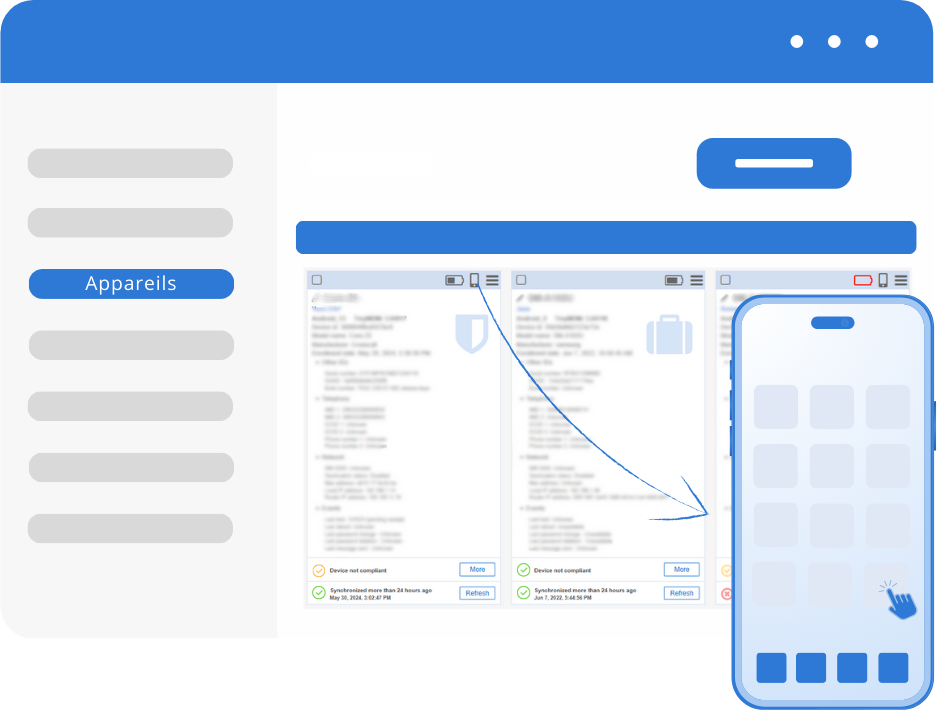
Control Downtime and Reduce Support Costs
With the remote cast functionality for Android tablets and smartphones, maintenance actions can be performed from a distance, downtime is reduced and support costs are drastically reduced thanks to our simple Android MDM software.
Many Controls Available
 End remote view / control session
 Copy / paste text from the device to your computer (Samsung only)
 Start audio discussion between the device and your computer
 Take screenshots of the device
 Back, home and recent app buttons displayed below the screen
Manufacturer Partners


Remote Control FAQ
Remote viewing allows you to share the mobile device’s screen via video directly from the administration console. It is compatible with all Android devices (regardless of the brand or model). During a remote viewing session, you can see what the user is doing and communicate with them via audio chat.
Remote control allows you to take direct control of the device from a distance, just as if the administrator were holding it (feature compatible with many manufacturers).
Thanks to remote maintenance performed on Android smartphones, tablets, and ruggedized devices, support actions are faster, device downtime is reduced, and support costs are significantly lowered.
During a remote session, the administrator can use several commands, including:
• Taking a screenshot of the viewed device.
• Communicating via an audio channel with the managed device.
• Displaying system buttons (Back, Home, Recent apps) on the screen.
• Copying text between the mobile device and the admin console (Samsung devices only).
• Stopping the viewing or control session at any time.
The session can be stopped at any time from both the administration console and directly from the mobile device.