
The feature to send messages empowers organizations to foster efficient communication and collaboration with employees while ensuring data security and control.
Send messages in full screen
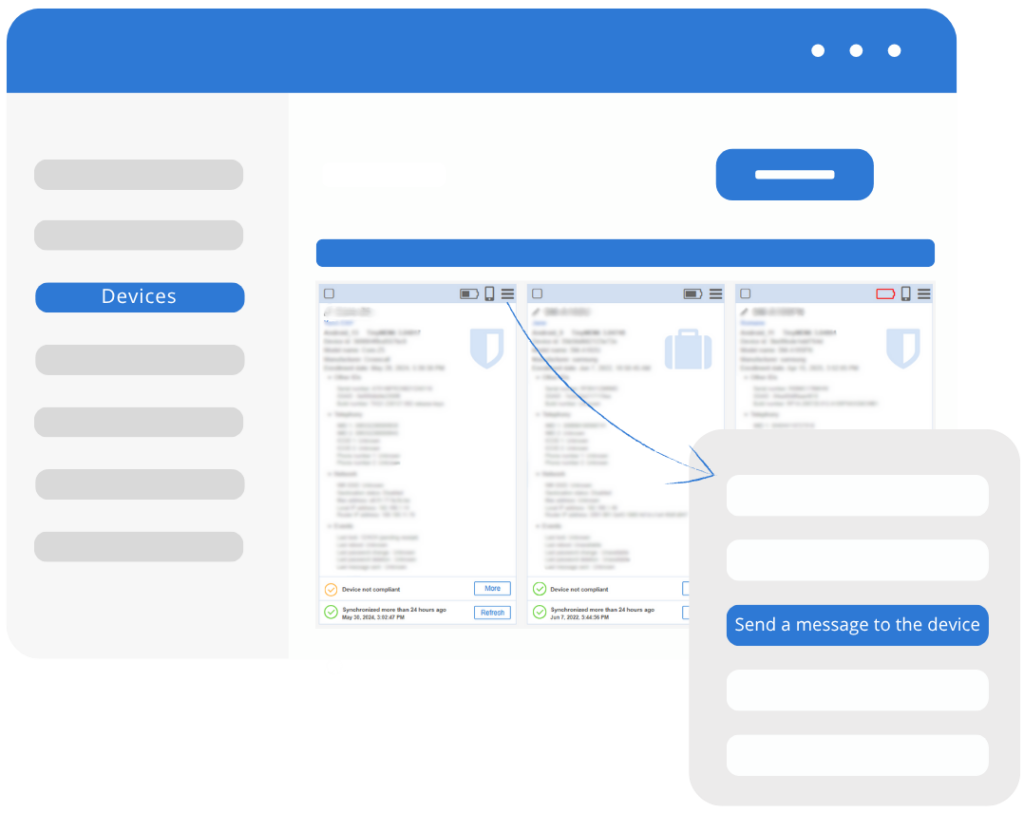
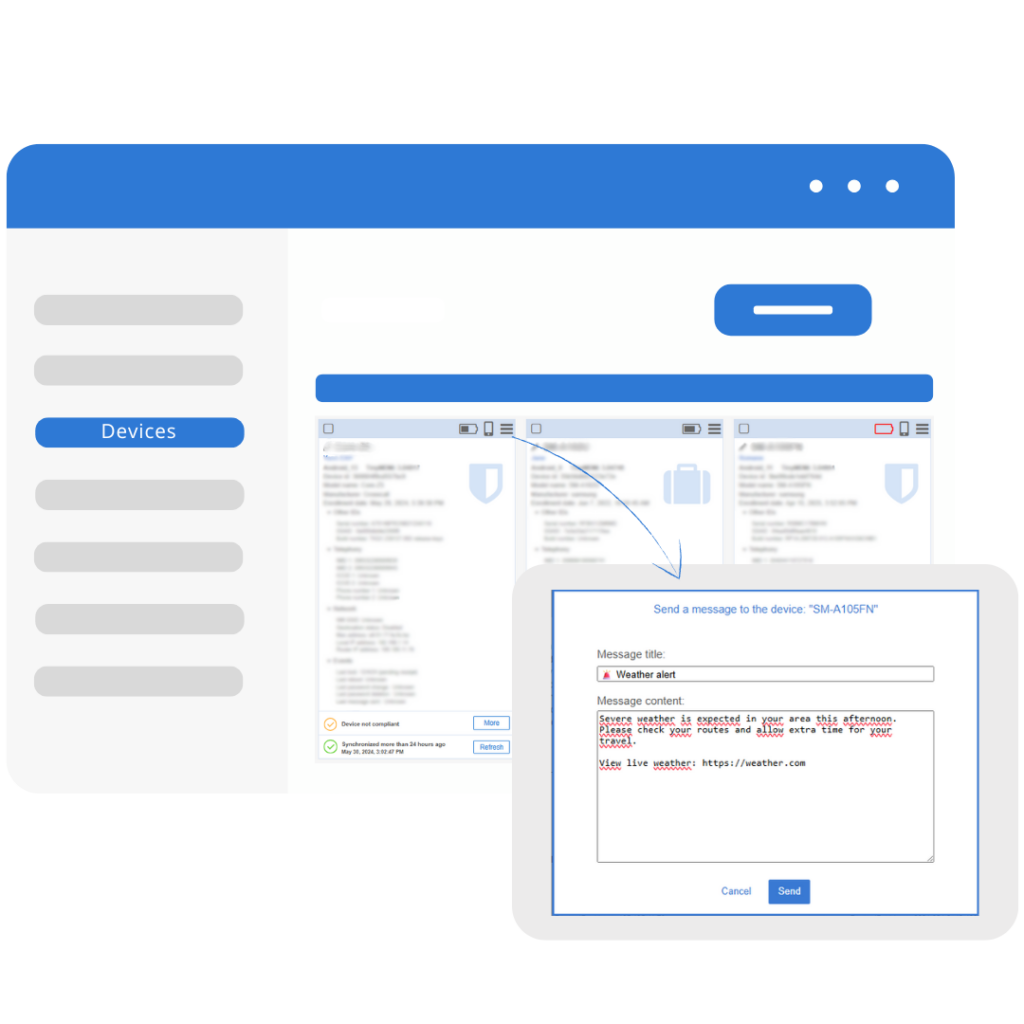
With the Send messages feature of TinyMDM, send an instant text to one or multiple devices from the Devices tab menu.
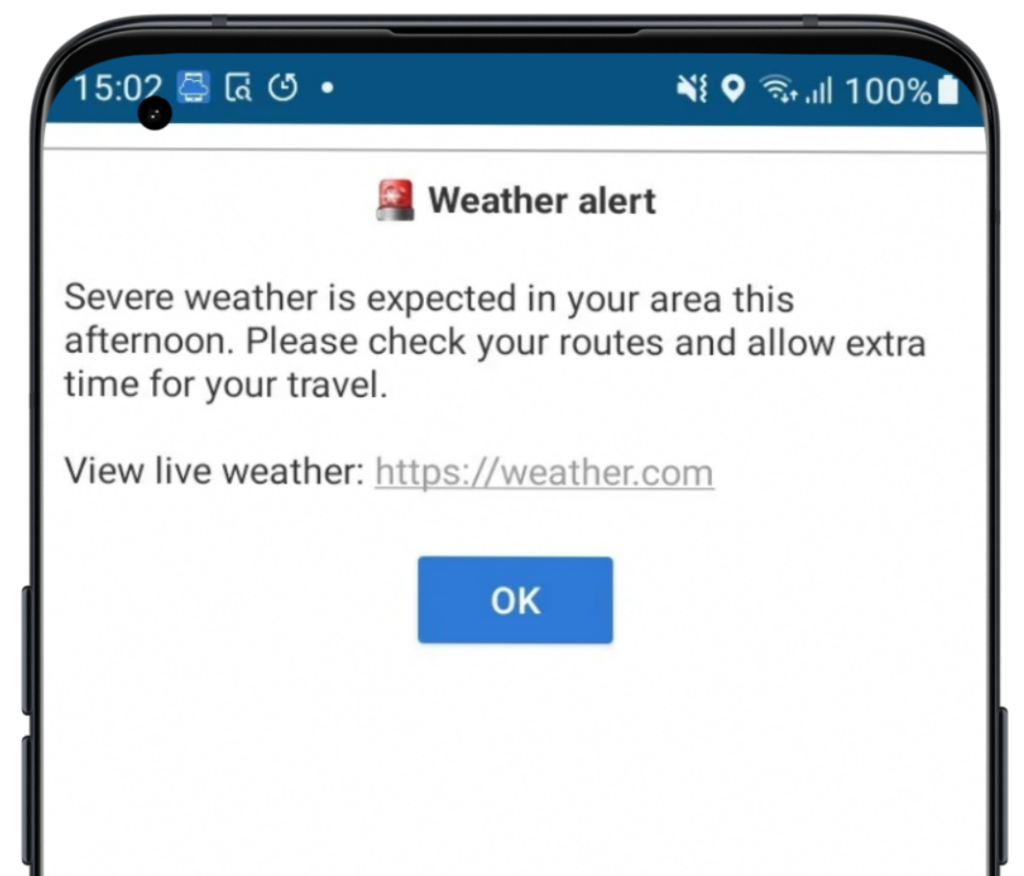
A pop-up showing the message will be displayed in full-screen, on the device.
Message customization
You can customize the message as much as you like: you can change the title, the body and even add clickable links.
In full screen and available in the notifications bar
Once the message is sent from the console, a pop-up showing the message will be displayed in full-screen, on the device. The user has to click on Ok to remove the message from the screen and therefore confirm that he red it. Once the pop-up disappears, the message stay visible in the notifications bar.