
With TinyMDM’s contact sharing feature, share all the business contacts your teams need in one click. They will have access to the up-to-date contact details of their colleagues, customers and other relevant contacts.
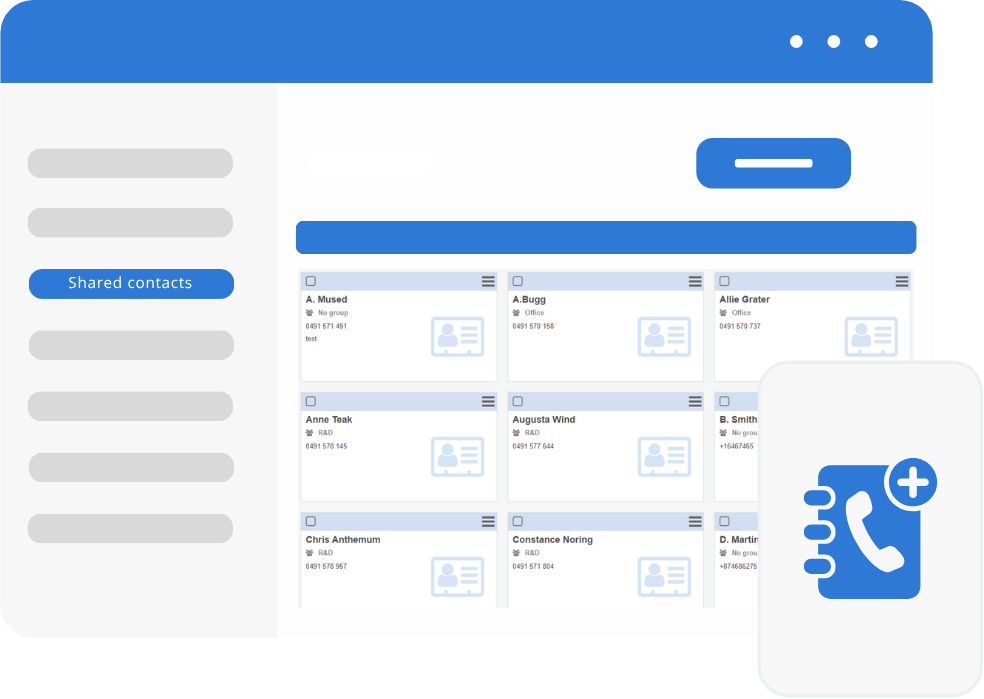
Add contacts on your TinyMDM account
Administrators can easily create, update, and organize contact lists from their account. This simplifies the management process and ensures consistency in contact information across devices. Contacts can be securely pushed to enrolled devices, eliminating the need for manual entry or synchronization. This saves time and reduces the risk of errors or outdated information.
By having access to shared contacts, employees can easily reach out to colleagues, clients, or other important contacts. This streamlines communication and enhances productivity within the organization.
And find them instantly on your devices
Once you have added your contacts to your account, choose in which policy(ies) to add them. All devices linked to the selected policies will then instantly see their contacts appear in their Contact application.
With the contact sharing feature, update your contacts’ details at any time from your TinyMDM account so that every employee can work with up-to-date information, whenever they need it.

Sharing Contact FAQ
The administrator can add contacts either individually (by filling in the name, phone number, and email address directly in the contact form), by bulk importing them via a CSV file, or by importing them via Microsoft Azure.
Yes, once the contacts are added to the console, they can be organized into groups to make them easier to assign across different policies.
From the Shared Contacts tab in the console, the administrator adds the contacts and can then automatically associate them with one or more policies. If the devices belong to one of the selected policies, the contacts will then automatically sync to the native contacts app on each managed device.
This feature enables employees to easily contact their colleagues, clients, or partners. It simplifies internal communication and improves overall productivity across the organization.