
Share professional files on all your employees’ devices with just one click. Make sure they always have access to the documents they need to do their jobs, up to date and effortlessly!
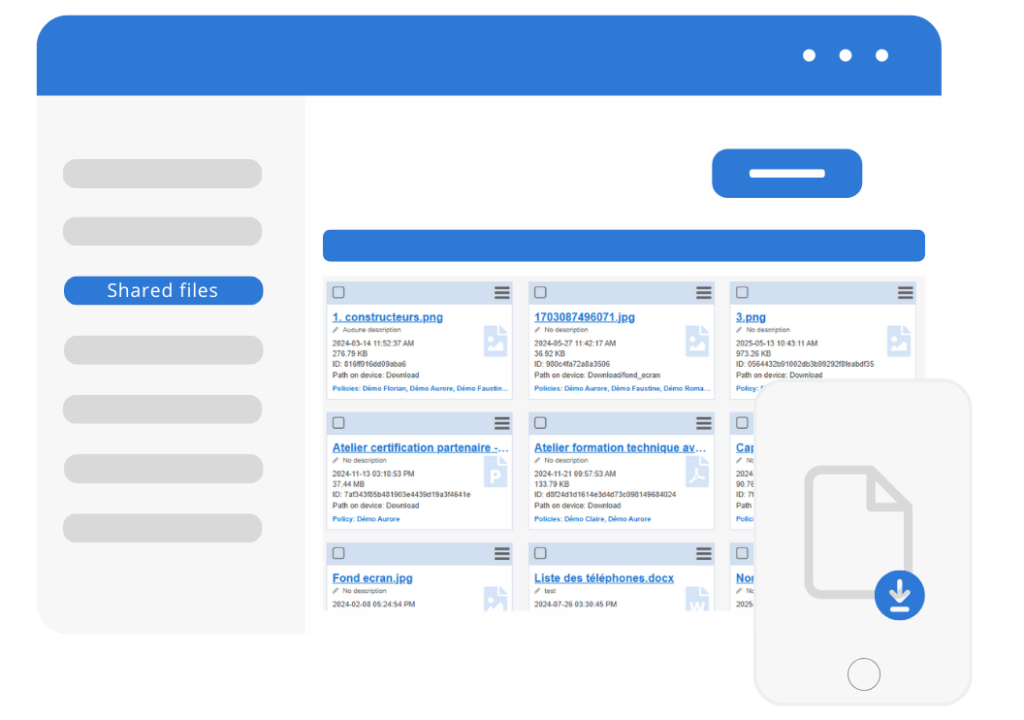
Add any type of file
TinyMDM’s files sharing feature allows the enterprise to share any content to help Android mobile devices management.
All files are allowed: audio, video, images, PDF, Excel, PowerPoint, ZIP files… Administrators can use our file sharing feature to distribute important documents to all the professional mobile devices managed by TinyMDM. Particularly useful when employees work remotely or need to access business files on the move. In this way, companies also ensure that only authorized people can access and share files, and that these will be opened on secure devices that meet defined security standards.
Regarding the shared files:
- Maximum storage space: 200 MB
- Maximum size per file: 50 MB
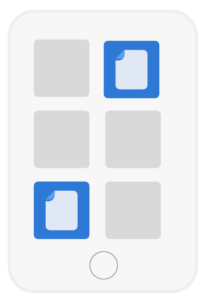
Create shortcuts in kiosk mode
In kiosk mode, the files sharing feature enables admins to create file shortcuts directly pinned to the desktop of mobile devices. It can be useful in specific environments, such as points of sale, exhibitions, information kiosks, etc., where it’s necessary to limit access to specific applications and allow users easy access to relevant files.
Files sharing FAQ
TinyMDM supports sending any type of professional content to managed Android devices, including audio files, videos, images, PDFs, Excel, and PowerPoint files. To learn how to add them, click on this tutorial.
The limitations of this feature are as follows:
• Maximum file size: 50 MB
• Maximum global storage size: 200 MB
If the maximum storage size is too low for your needs, you can contact our sales team to receive a quote to increase your storage capacity.
It allows administrators to push essential documents to all professional mobile devices in a single click. This ensures secure access to necessary resources while on the move or working remotely, on devices that comply with the company’s security policies.
In kiosk mode, TinyMDM provides the option to create shortcuts pointing to shared files and pin them directly to the mobile device’s home screen for quick and easy access.