
Remotely manage public, private and web applications (PWA) you want to deploy on company-managed devices.
An administrator can manage applications across the entire fleet of mobile devices using a mobile device management solution like TinyMDM. Instead of managing devices individually, administrators can deploy, configure, and update applications from a single place, saving time and enhancing management efficiency.

Select enterprise-approved applications
Firstly, you can remotely approve a variety of applications for Android devices. This includes not only publicly available apps in the Google Play Store, but also internal apps specific to your company (private apps) or specific websites that can be used as apps (web apps, also called Progressive Web App). Thanks to centralized management system, you can select the apps you need, approve them and deploy them to mobile devices, delivering a personalized experience that meets your organization’s specific needs.
Remotely manage applications
Easily deploy new applications to devices by installing them remotely, and ensure that they are always up to date with the latest version. An MDM solution offers the key benefit of remotely managing the installation, updating and deletion of applications for the efficient management of applications on Android devices.

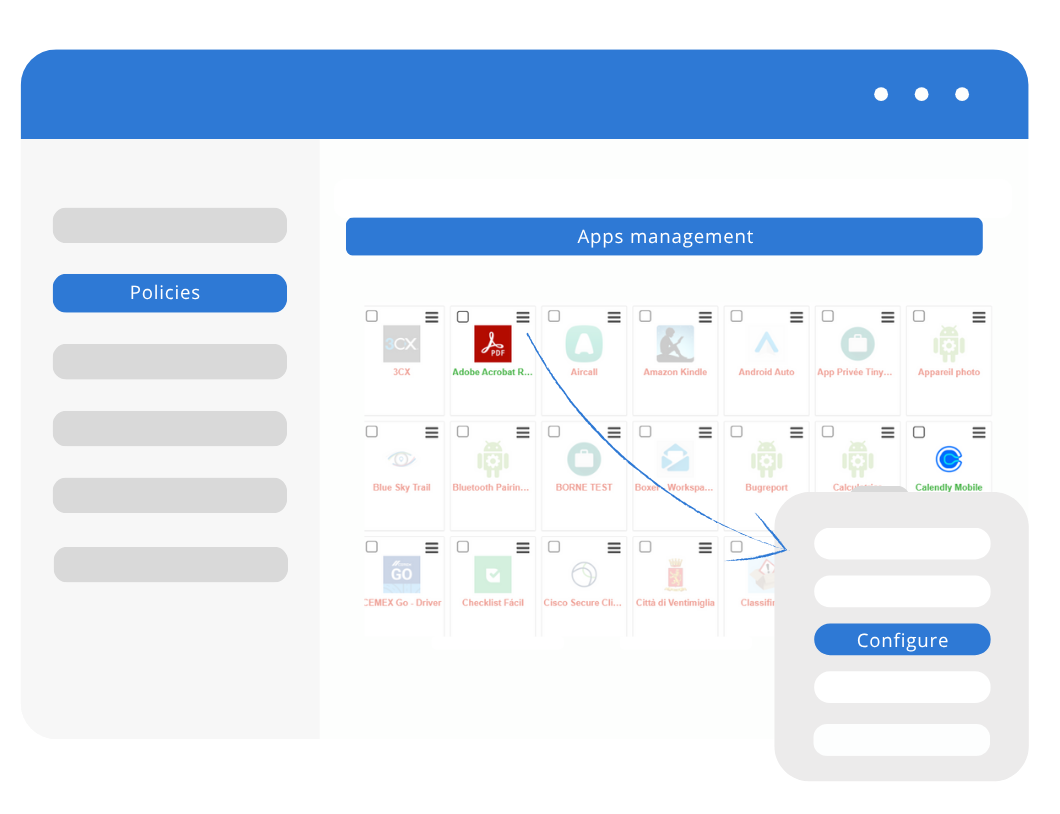
Manage application configurations
You can preconfigure a public or private application and define the required settings in advance. This way you make sure the app is configured according to the organization’s requirements as soon as it is opened, without any action from the end-user. Thanks to this preconfiguration feature, an MDM solution simplifies the deployment of applications. It also guarantees a consistent and optimal user experience from the outset.
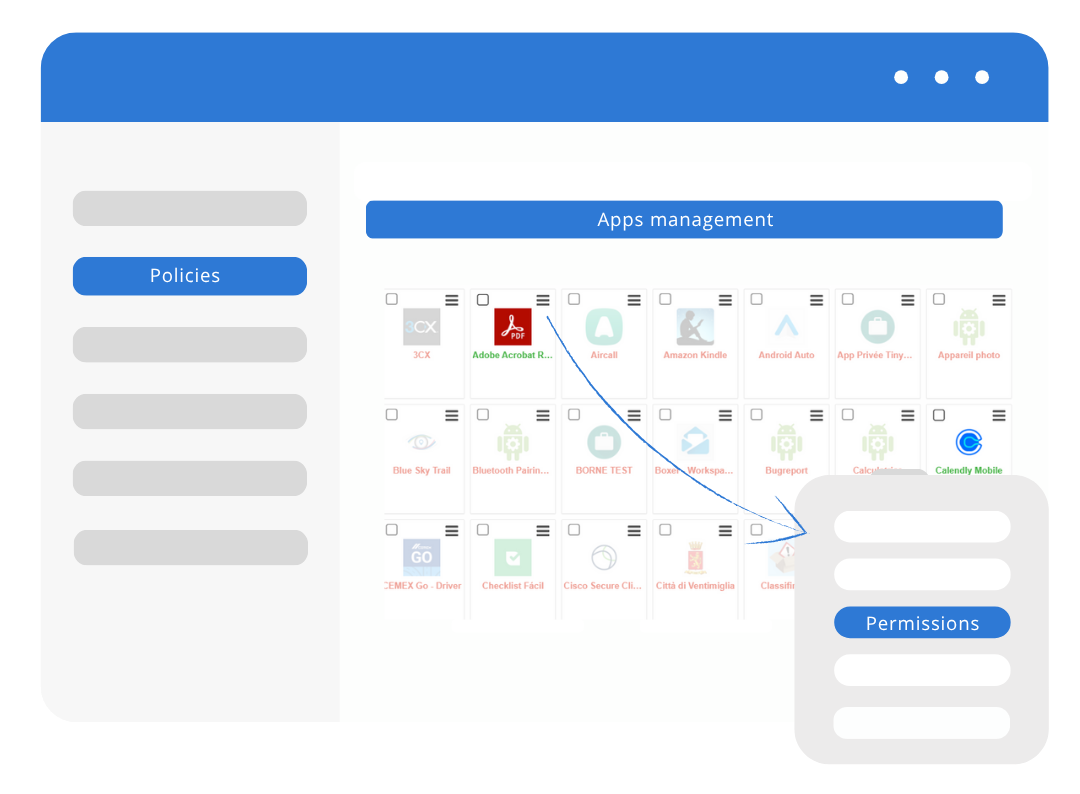
Manage application permissions
You can also define default application permissions such as access to contacts, camera or location tracking remotely. As soon as you install applications on managed devices, they automatically have the predefined permissions, simplifying the user experience. By configuring these permissions remotely, you avoid the need for the user to carry out additional steps manually.
App Management FAQ
Mobile Application Management (MAM) refers to the processes and tools used to secure and administer business applications on your employees’ devices. In practical terms, a mobile app management solution like TinyMDM allows you to silently deploy apps (public, private, or web apps), force updates, remotely pre-configure settings, and control app permissions.
TinyMDM supports a wide variety of apps to fit your business needs. You can manage public apps (available on the Google Play Store), your own private apps (internal APK files), web apps (shortcuts to websites or portals), as well as system or OEM apps pre-installed on the devices.
Thanks to the native integration of Managed Google Play (the enterprise version of Google Play), you can search for, approve, and distribute public apps directly from your TinyMDM console. Installations and updates happen silently on your employees’ devices, without requiring them to enter a personal Google account.
The TinyMDM Store allows you to directly upload your own APK files to the admin console. You can then push them remotely and silently to your device fleet, and easily manage future updates. If you develop internal business apps, there is no need to publish them on the public Play Store.
TinyMDM lets you transform any URL into a “Web app”. These web shortcuts are installed on devices and appear as standard icons on the home screen, just like a regular app. This is ideal for providing easy access to a company intranet or online time-tracking tool, or for restricting browsing to a specific list of allowed websites.
For apps that support “Managed Configurations,” TinyMDM allows you to pre-configure the app directly from the console prior to deployment. This lets you pre-fill server addresses and corporate credentials, or disable specific app features. The tool is fully ready to use the moment your employee opens it.