
With the lock task mode, transform your Android mobiles into dedicated devices and enable remote management.
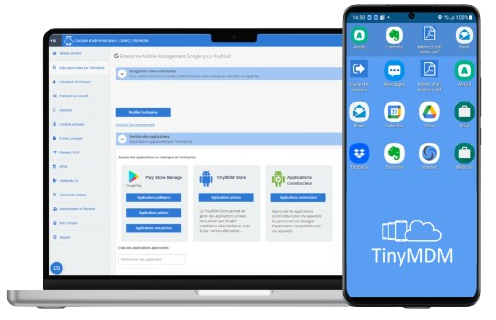
Transform your device into dedicated Kiosks
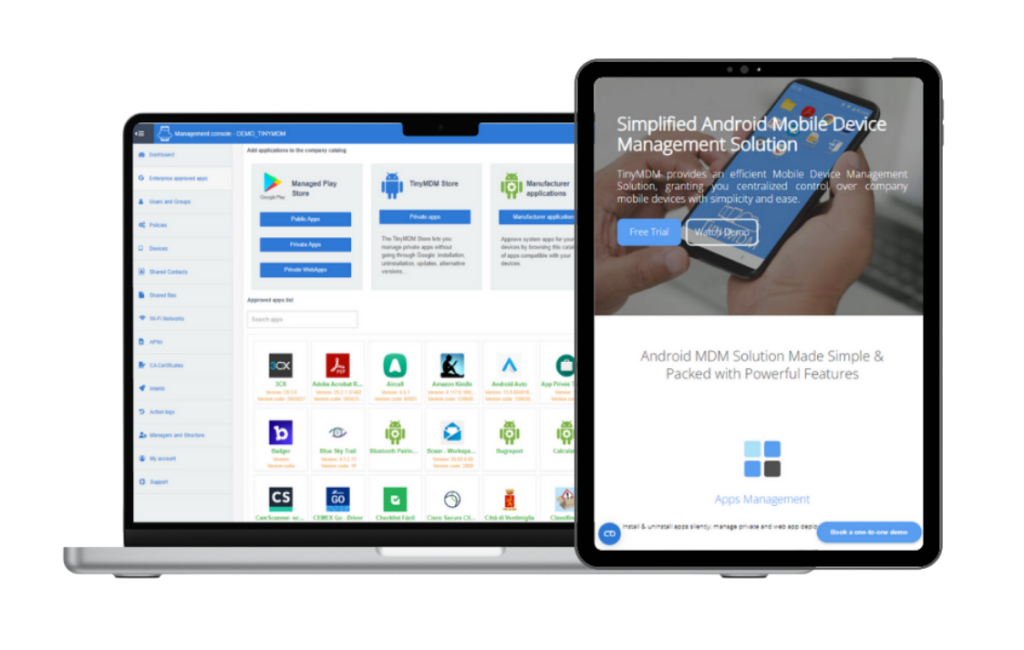
Activate Kiosk Mode (Dedicated Device Management) to transform your entire fleet of professional Android tablets and smartphones into secure, locked desktops. Administrators gain total control, restricting users exclusively to applications they approve, including Play Store apps, private apps, and web applications. This feature is essential for devices performing dedicated tasks or operating in self-service environments.
Ideal use cases include:
- Dedicated Task Devices
- Interactive Kiosks
- Mobile Points of Sale (mPOS)
- Tablet Kiosks
Advanced app management & security
Take granular app control a step further. Secure sensitive applications with mandatory password protection, deploy apps remotely, and organize your interface with custom folders.
Tailor the device experience precisely using the mode that suits your needs:
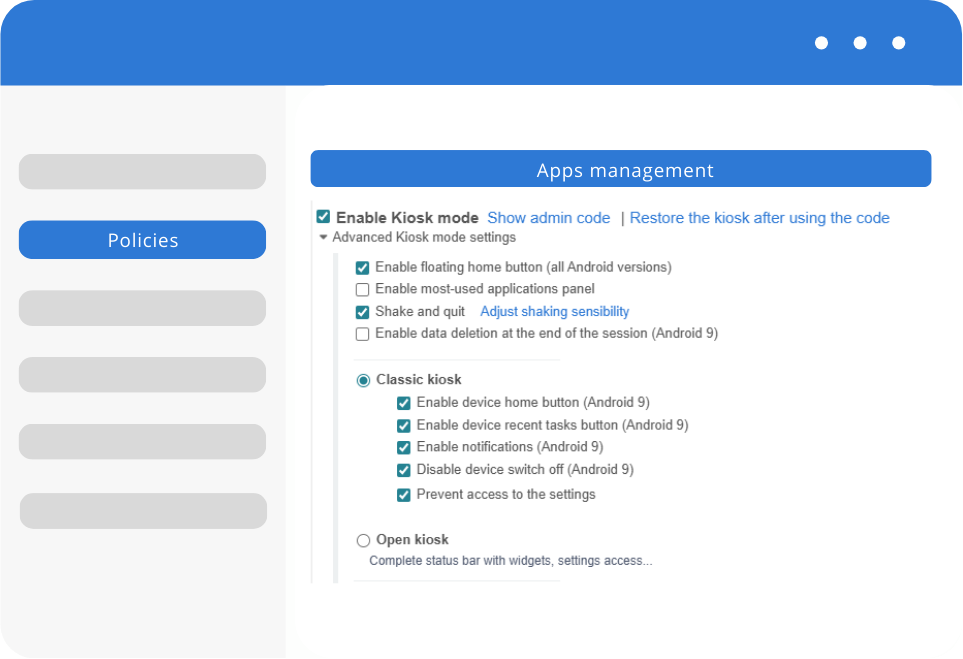
- Classic: enforce maximum device lockdown. Block access to notifications, prevent device switch off, and disable the “Recent tasks” and “Home” buttons for total user focus.
- Open: offer controlled flexibility. Provide access to the full Android status bar, including notifications and widgets, but limited settings access.
Build secure dedicated environments
Protect your corporate mobile devices instantly with advanced restriction features. By approving a single application, you can enforce a persistent, secure environment that survives reboots. Users cannot exit the interface without an administrator PIN.
Need more flexibility? Activate a multi-app environment to grant access to a specific group of approved tools. This is ideal for digital signage, mobile Point of Sale (mPOS), and secure tablet deployments.
Personalized device screen
On the home screen, view the most frequently used applications, so you don’t have to waste time finding your apps!
If multiple applications are allowed, the desktop wallpaper can be customized. Choose the color of the wallpaper, add your company logo… In portrait mode, and in landscape mode!


Create confidential sessions
Create sessions on managed tablets and smartphones. A session enables a user to have a temporary access on the installed applications, with its personal accounts. Once the session is closed, all the applications data are definitely deleted from the device.
Kiosk Mode FAQ
To choose the most suitable management mode for your device fleet, you must determine device ownership and its intended use. BYOD (Bring Your Own Device) isolates your corporate data in a secure container on the employee’s personal phone, while WPCO (Work Profile on Company-Owned Device) conversely allows a private space on a company-provided device. For total, strictly professional control, opt for the fully managed COBO (Corporate-Owned, Business-Only) mode. Alternatively, use kiosk mode (COSU – Corporate-Owned, Single-Use) to lock the terminal to a specific business app (such as interactive kiosks, delivery scanners, or point-of-sale systems).
Although both environments apply to company-owned devices, their purpose differs. Fully Managed mode (COBO) provides a complete, secure workspace where the administrator controls all apps and data for strictly professional use. In contrast, Kiosk mode (COSU) locks a device to a single application (or a highly restricted selection of apps) by hiding the rest of the operating system. It is particularly suited for performing a specific business task or for public-facing environments (point-of-sale systems, museums, delivery terminals).
To restrict your devices to a specific use case, you can enable kiosk mode directly from your policies. A single click is all it takes to transform your devices into a closed, secure environment.
Yes, TinyMDM’s Kiosk mode offers great flexibility to create a custom-tailored workspace. You can restrict the device to a single application or allow access to multiple specific tools. To make navigation easier for your users, the interface allows you to group apps into folders, highlight 4 favorite apps in a dedicated top panel, create file shortcuts, and add a custom wallpaper featuring your company’s branding.