Kiosk Mode Management on Your Android Mobile Fleet
Turn your mobile devices into dedicated devices: single app or multi apps lockdown

ISO 27001 Certified | GDPR Compliant | Android Enterprise Silver Partner
30-day free trial. No credit card required. Personalized support.
Transform your Android devices into dedicated kiosks

Single app kiosk mode management
Single App Kiosk Mode locks a device to a single application, preventing access to other apps, settings, or features. This mode is ideal for self-service kiosks, POS systems, digital signage, and dedicated work tools. By eliminating distractions and unauthorized usage, Single App Kiosk Mode enhances user experience and operational efficiency.

Multi-app kiosk mode management
Multi-App Kiosk Mode for Android devices allows devices to run a predefined set of applications while blocking access to all others. This mode is perfect for industries where employees or customers need access to multiple applications while maintaining security and compliance. Multi-App Kiosk Mode strikes the perfect balance between flexibility and control, enabling users to perform essential tasks without distractions or security risks.
Maximum Control and Focus
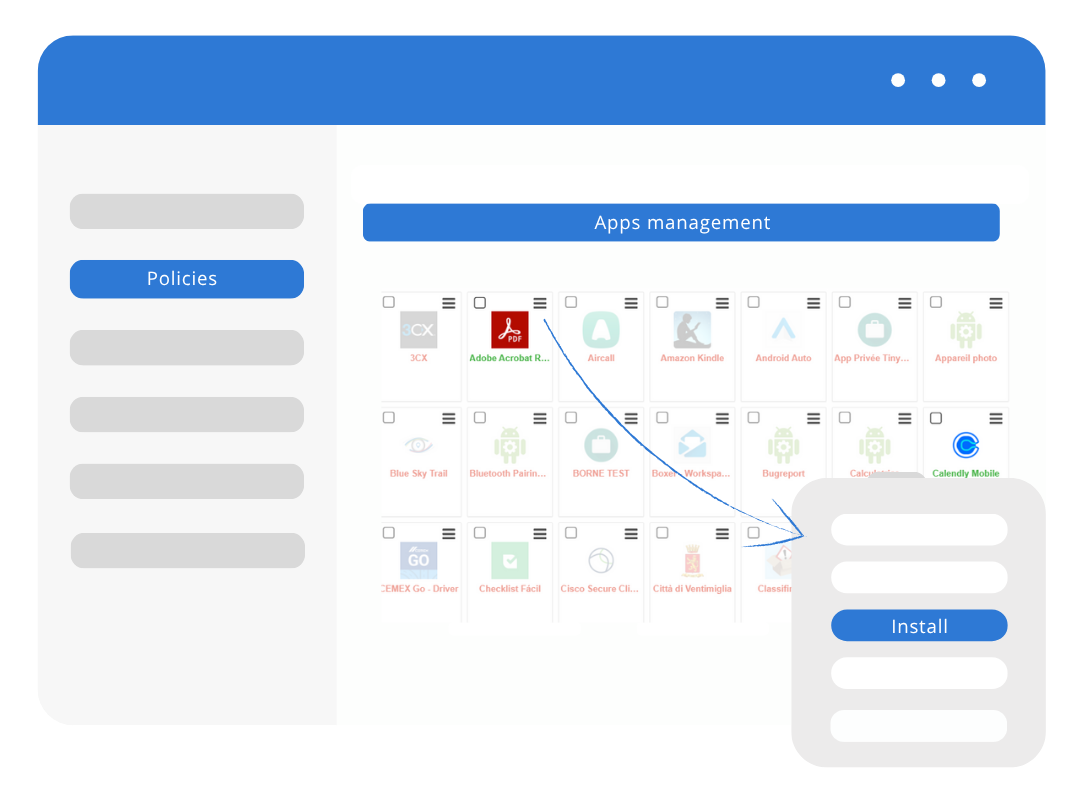
Applications Management
An administrator can manage applications across the entire fleet of mobile devices using our mobile device management solution. Instead of managing devices individually, administrators can deploy, configure, and update applications from a single place, saving time and enhancing management efficiency. Learn more about apps management
Lock Devices to Kiosk mode (Dedicated Device Control)
Lock down all professional Android devices to a secure, limited desktop. Users only access administrator-approved applications (public, private, or web apps), ensuring maximum security and task focus. Perfect for preventing misuse on devices. Learn more about kiosk mode
Device and Data Protection
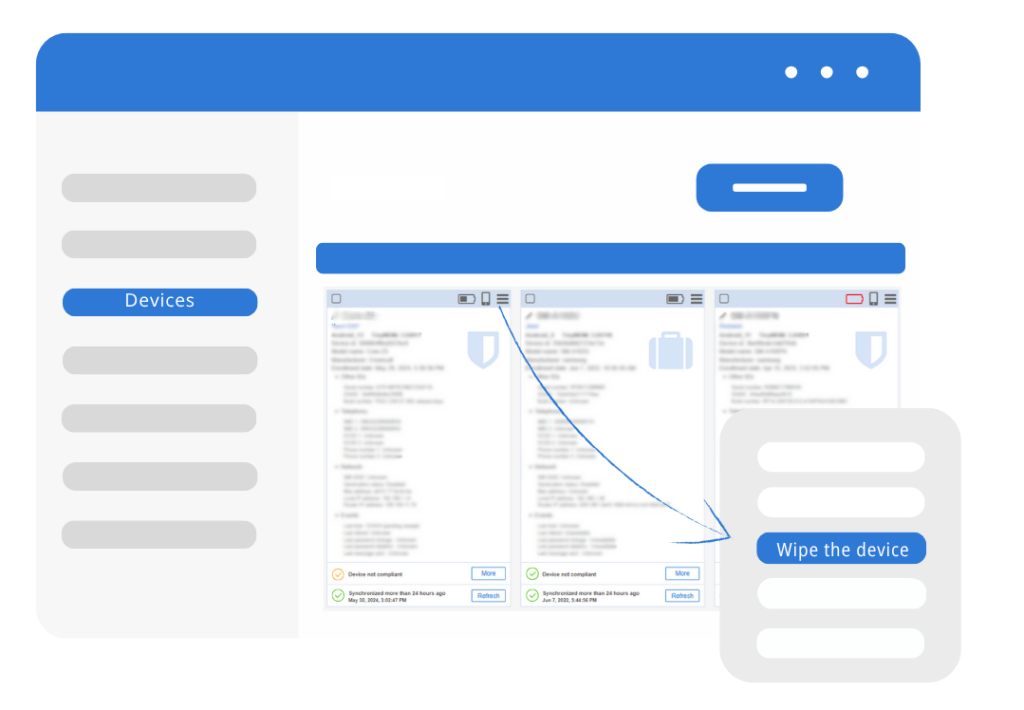
Easily enforce strong Password Management across your fleet. In case of lost or stolen devices, instantly execute Remote Lock or a full Remote Wipe to factory reset devices and protect confidential information. Learn more about data protection
Connectivity Controls
Easily pre-configure secure Wi-Fi networks (including EAP certificates) for automatic connection, and disable unnecessary features like data roaming, connection sharing, or airplane mode. This ensures optimal resource use, strengthen security and prevents excessive data consumption charges. Learn more about connectivity settings
Operational Efficiency
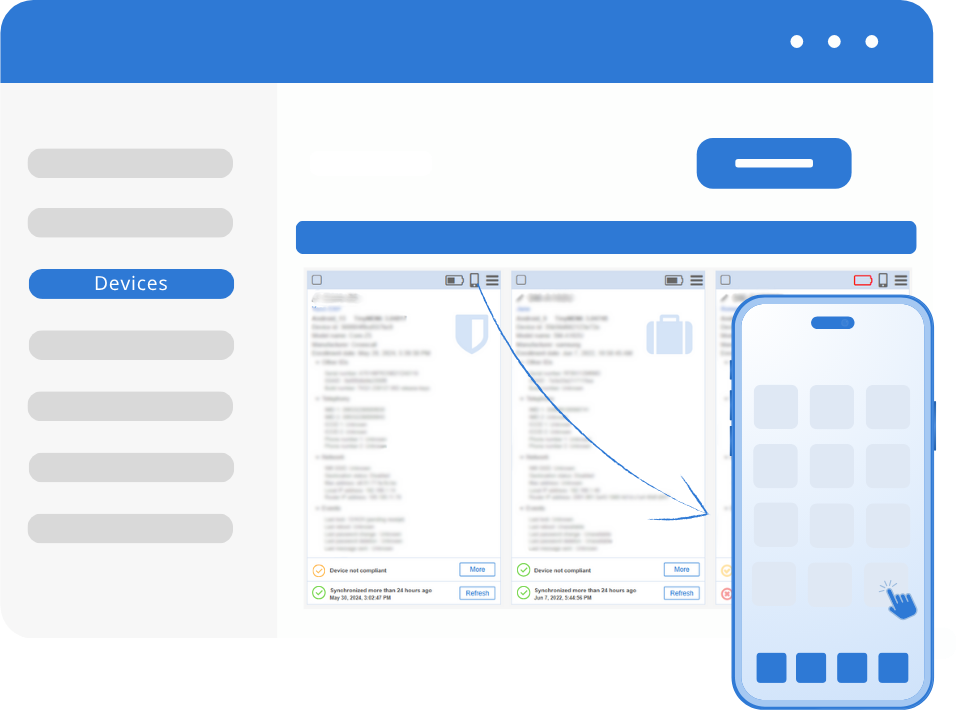
Remote Control & Troubleshooting
Achieve maximum operational efficiency by instantly viewing and taking full remote control of any managed Android device, regardless of brand. This essential feature allows your teams to perform maintenance and support actions from a distance, drastically reducing downtime and support costs. Learn more about Remote control
Real-Time Location Tracking
Instantly monitor the exact whereabouts of your mobile assets using precise Location Tracking with up to three days of history, aiding in recovery and fleet management. Learn more about location tracking
Patented Internet Filtering
Secure your network and boost team productivity with our powerful, patented web filtering technology. Easily establish customizable policies, including whitelisting and blacklisting specific sites, and define restriction levels across all browsers to safeguard users from online threats and distractions. Learn more about Internet filtering
Content and Contacts Sharing
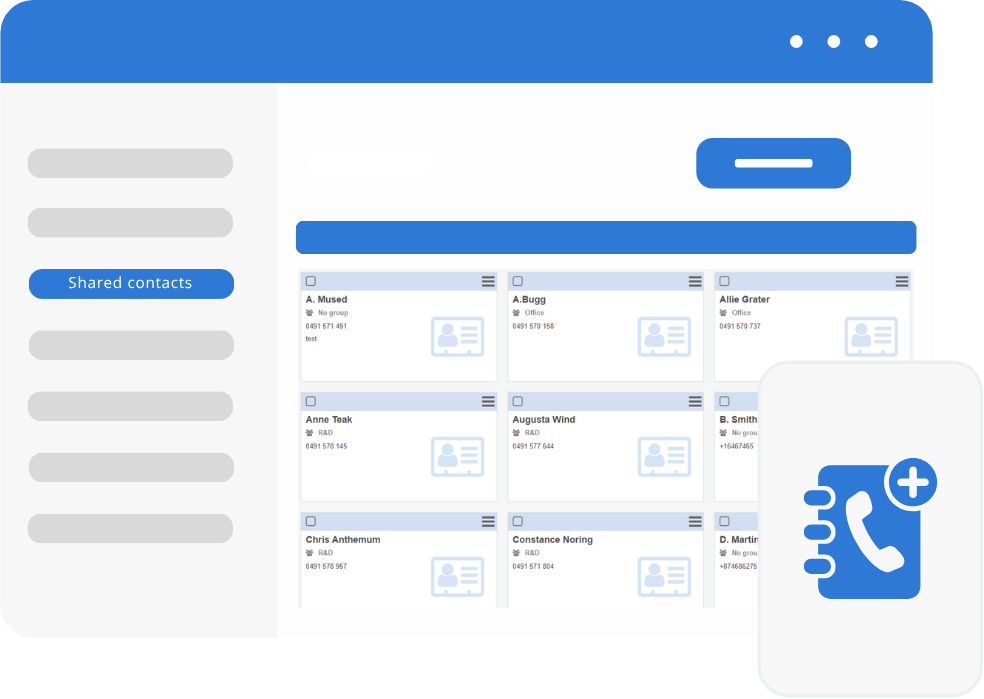
Guarantee your field teams always have the most current, essential information. Our features allow you to share any professional content (documents, videos, PDFs) with a single click, even creating direct file shortcuts in Kiosk Mode. Simultaneously, ensure all collaborators have a common, up-to-date business contact list instantly pushed and synchronized directly to their devices. Learn more about content & contact sharing
Join numerous companies around the world and place your trust in TinyMDM